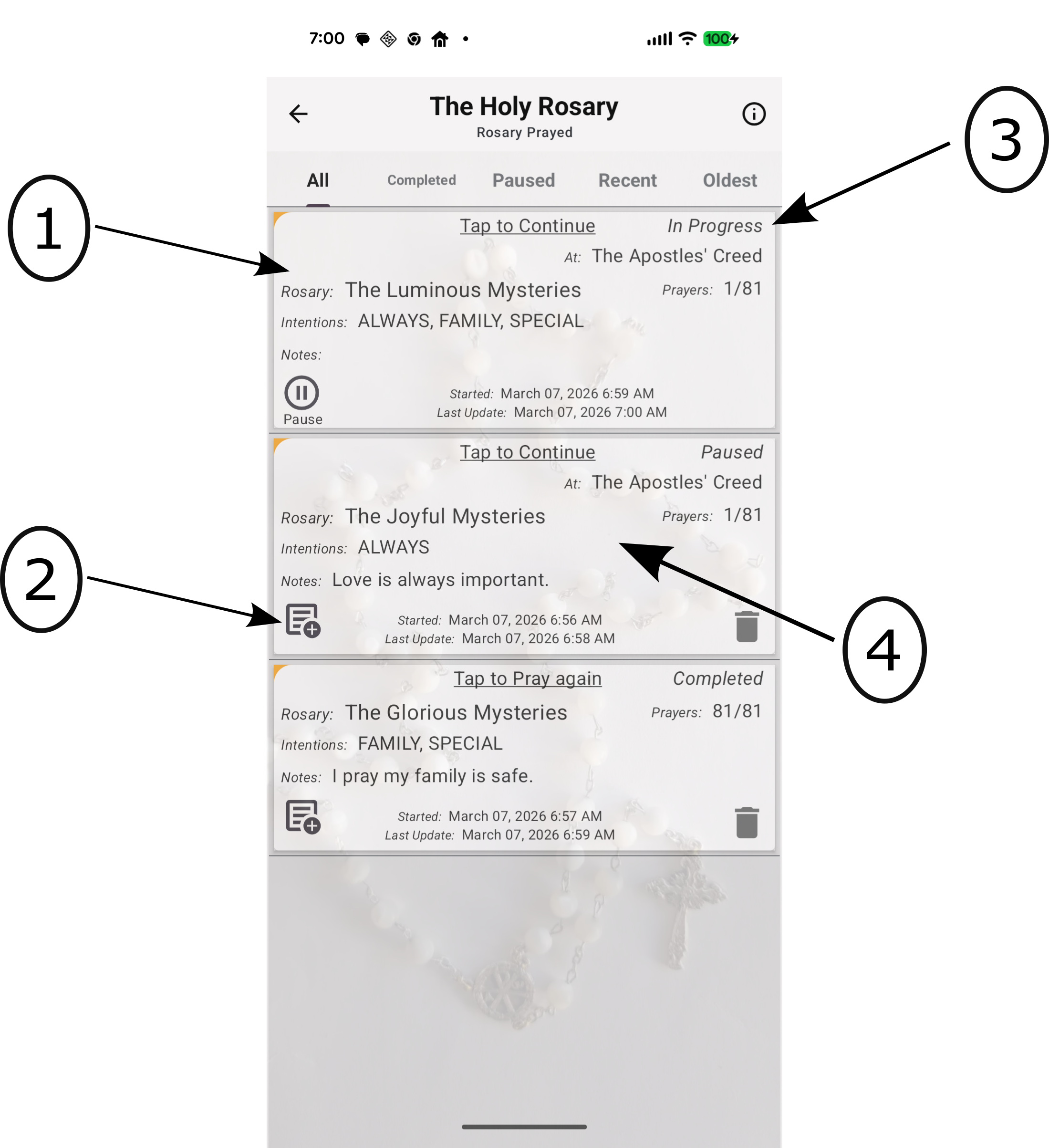
History of Your Prayed Rosaries
- A list of history records, showing dates, intentions, and your personal notes.
- History Control Options:
- Pause - If a Rosary is in progress, you can pause it here.
- Notes - A notes icon appears for paused/completed Rosaries; tap it to add reflections.
- Status:
- In Progress - This Rosary is currently being prayed.
- Paused - This Rosary was started but is not yet complete.
- Completed - You have finished all prayers of this Rosary.
- Tap here to continue praying or, for a completed session, to start a new Rosary.