App Settings
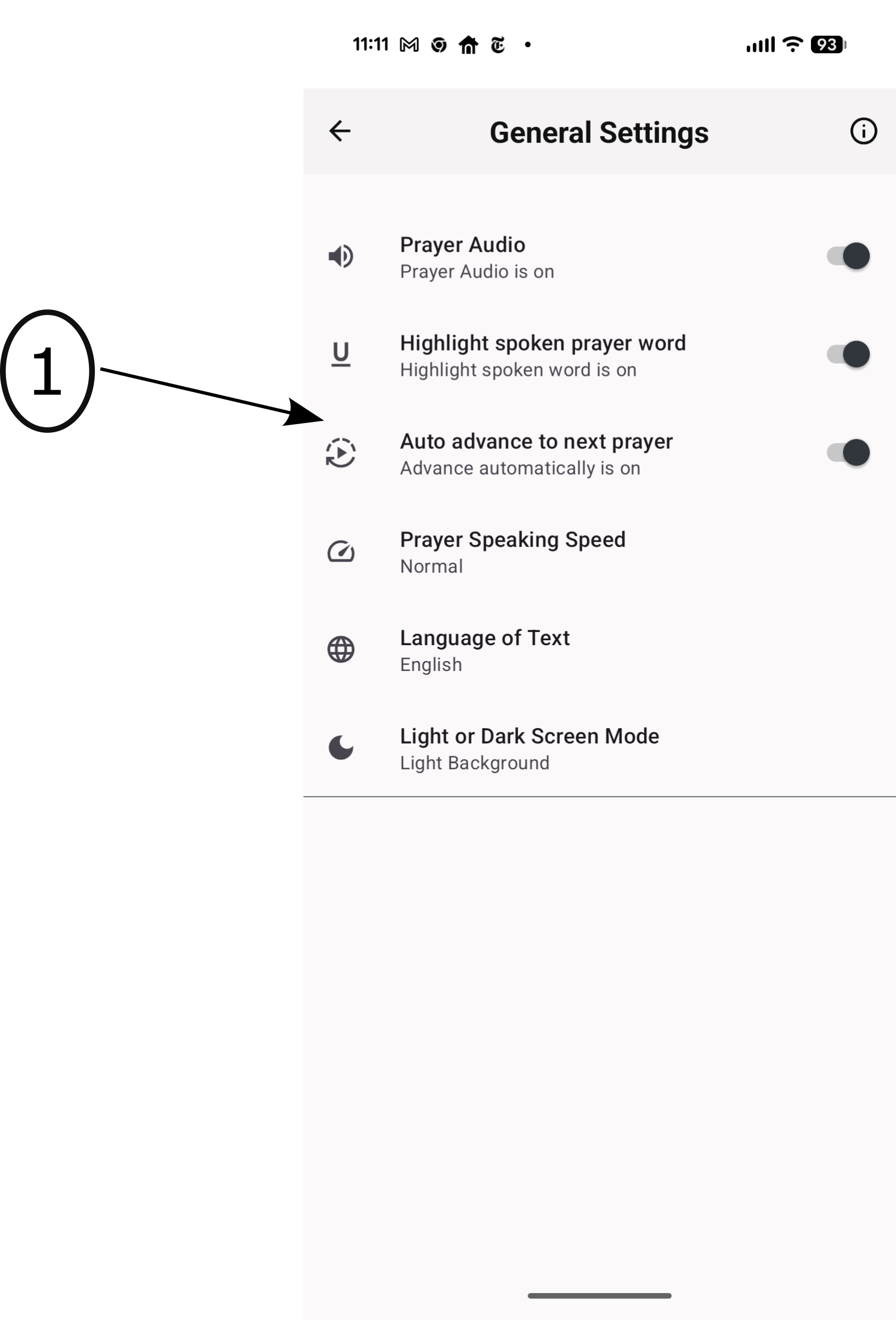
- Customize your Rosary experience with these important settings:
- Audio - Set the default audio state (On/Off).
- Word Guide - The spoken word will be underlined (On/Off).
- Auto Advance - The app will automatically move to the next prayer (On/Off).
- Speaking Speed - Adjust the speed of the app's spoken voice.
- Language - Switch between English and Spanish.
- App Background - Choose between Light or Dark modes.